

CartCubes Wishlist for FluentCart 1.0.1 (11 Oct 2026) keeps the heart on the product image when zoom is on, updates it when the shopper picks another variant, and tightens the wishlist table. See the Wishlist page and the changelog.
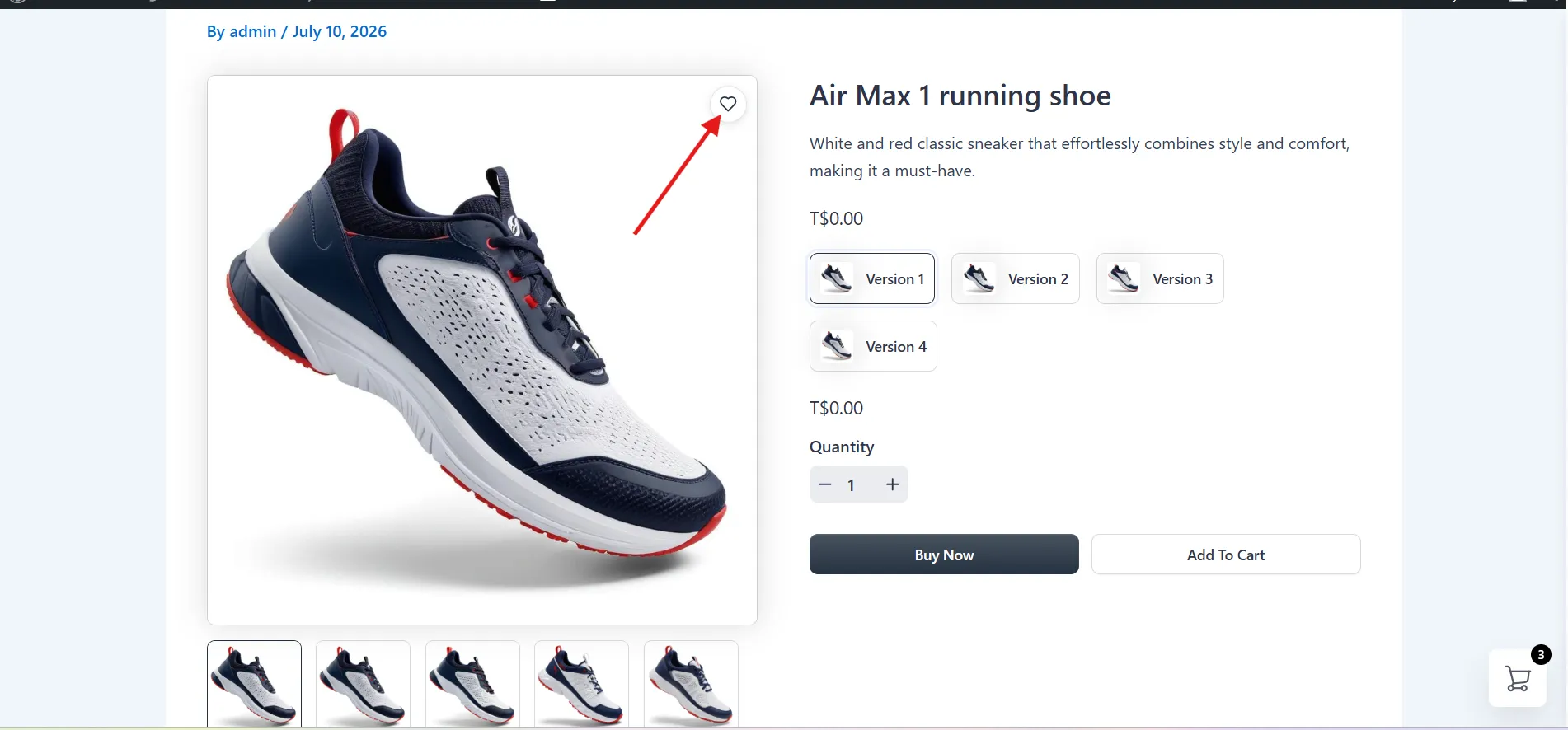
Heart with image zoom
On the product page, the heart stays on the image and stays clickable when image zoom is on. The same is true in the product quick view.
Heart follows the variant
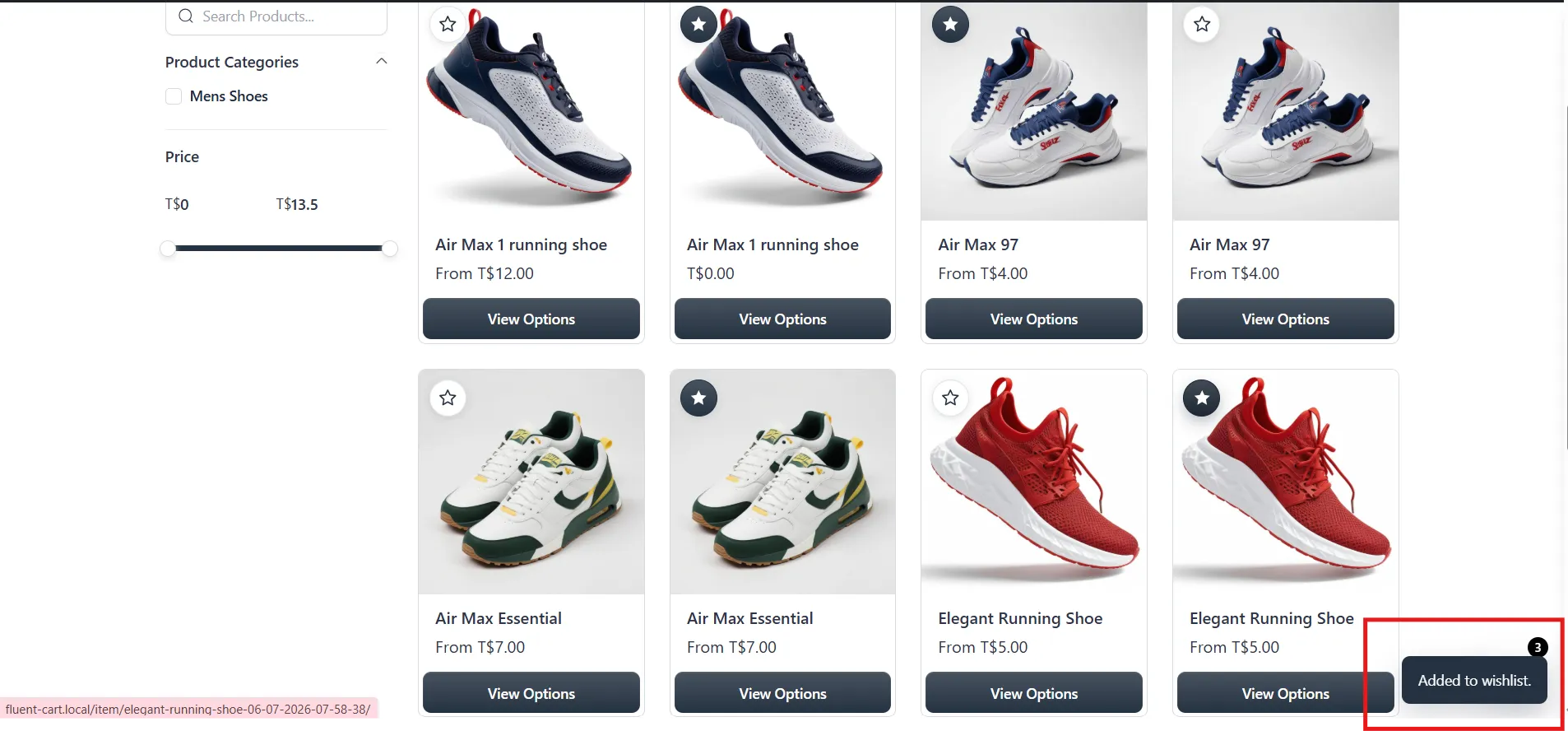
Changing a color or size updates the heart. A variant already on a wishlist stays filled. Any other variant shows the empty heart, so the shopper can add that one too.
Rename stays on the page
With multiple wishlists on, renaming a list updates the name in place. The shopper stays on the wishlist page.
Wishlist table
The remove icon stays visible while an item is removed. Add all products to cart shows a loading state. After those products are added, the message follows the After Added setting: a notice, a popup, or nothing.
Get started
Update Wishlist from your WordPress dashboard. This release also updates the license SDK. See pricing and screenshots on the Wishlist page, and the full notes on the changelog.
More from the blog
-
Toolbox 1.2.4: hold downloads until a date
Hold a file until a date and time, or limit who can download it, for the…
-

Introducing CartCubes Discount Rules for FluentCart
Automatic discounts for FluentCart, with no coupon code. Percentage off, fixed amount, fixed price, quantity tiers,…
-
Toolbox 1.2.1: product order, external links, and account tabs
Set the shop product order, replace Add to Cart with an external link, and limit an…